A complete interpretation platform — no booth required.
One audio feed becomes natural voice and live captions in dozens of languages, projected on screen and saved for later. It runs on the equipment you already operate and the phones your audience already carries.
Everything language access needs, in one place.
Live voice translation
Natural translated speech that follows the speaker's pace, streamed to each listener's earbuds about a second and a half behind.
Live captions
On-screen text in 50+ languages for people who prefer to read, or where text reaches further than synthesized voice.
On-screen overlays
A transparent caption feed you add as a browser source in ProPresenter, OBS, or EasyWorship to project on the main screen.
Scripture recognition
For churches, spoken Bible references appear in each listener's own published translation — booth-approved before anyone sees them.
Recordings & transcripts
Each session is captured as audio and a written transcript, per language, for review and re-distribution.
Operator console
One simple booth to start a session, choose languages, share the join code, and keep the room moving.
The same platform, wherever the room is.
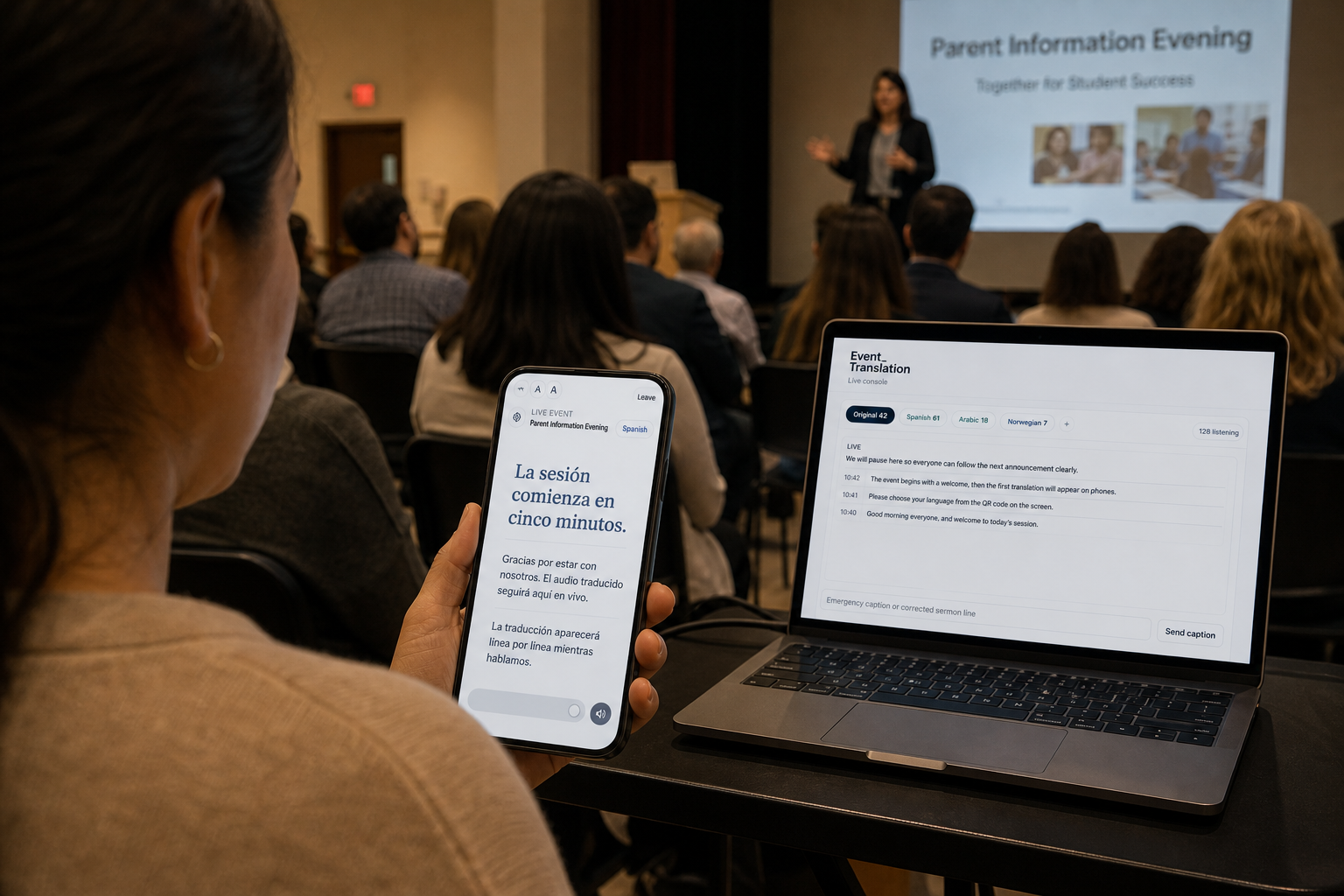
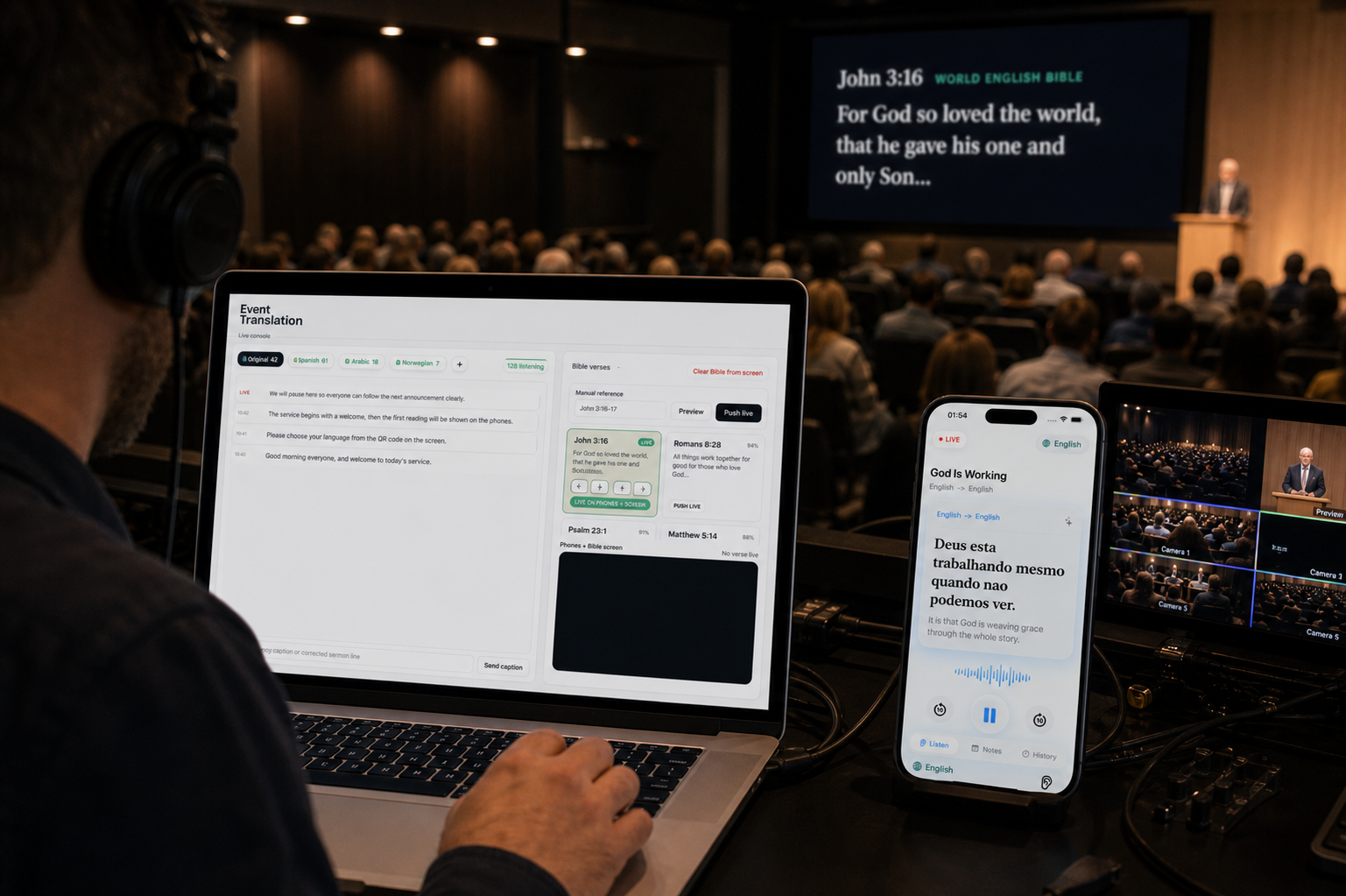
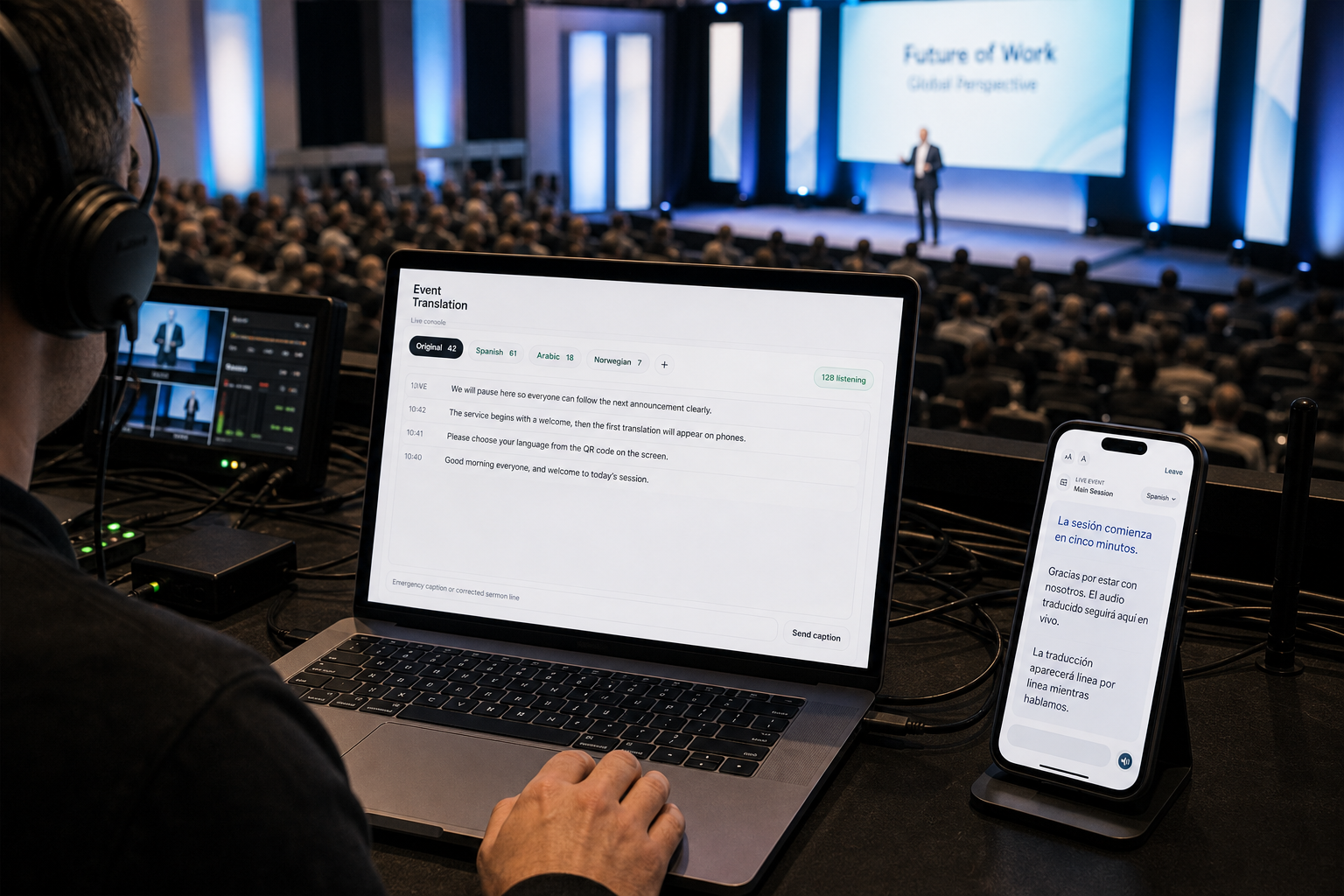
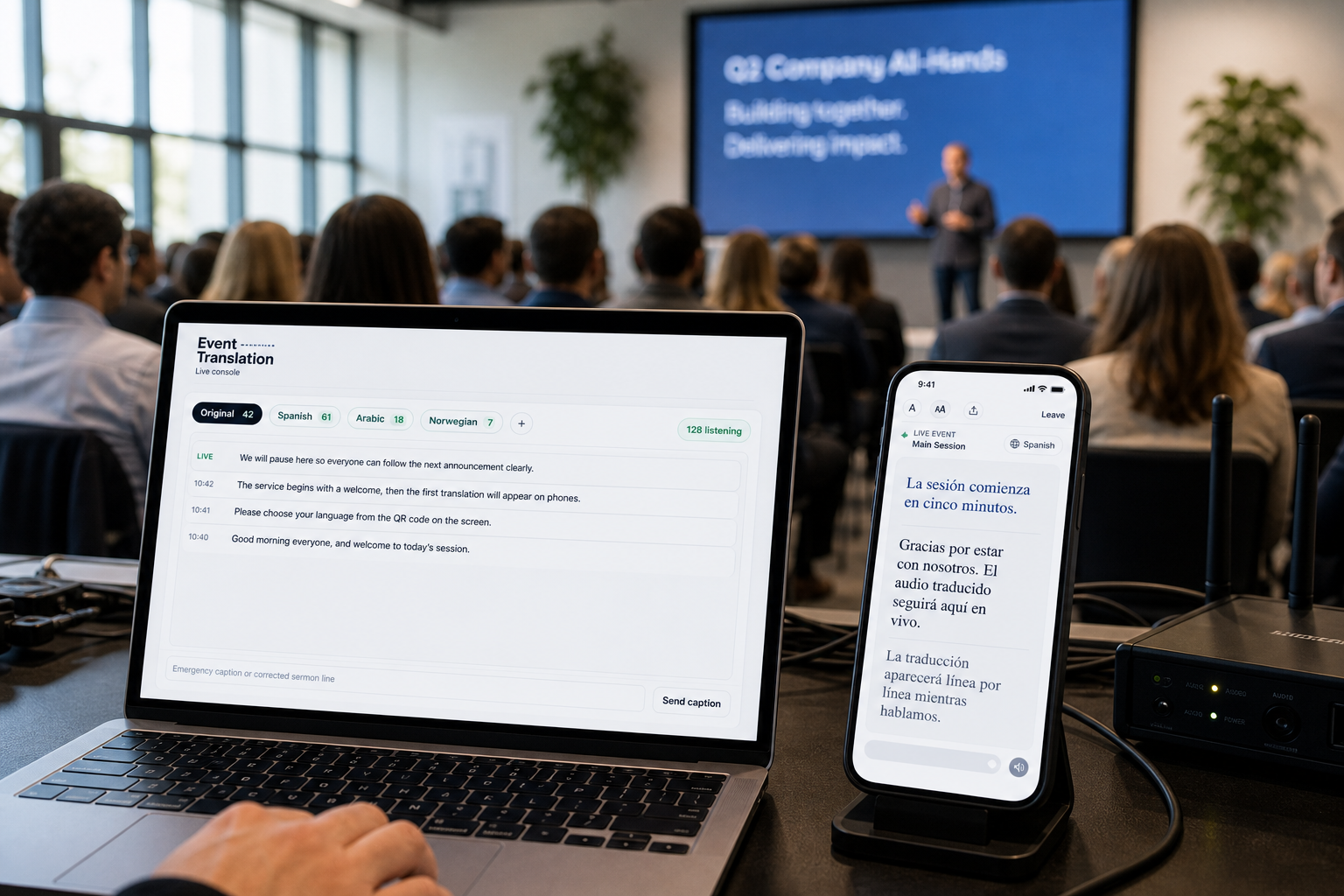
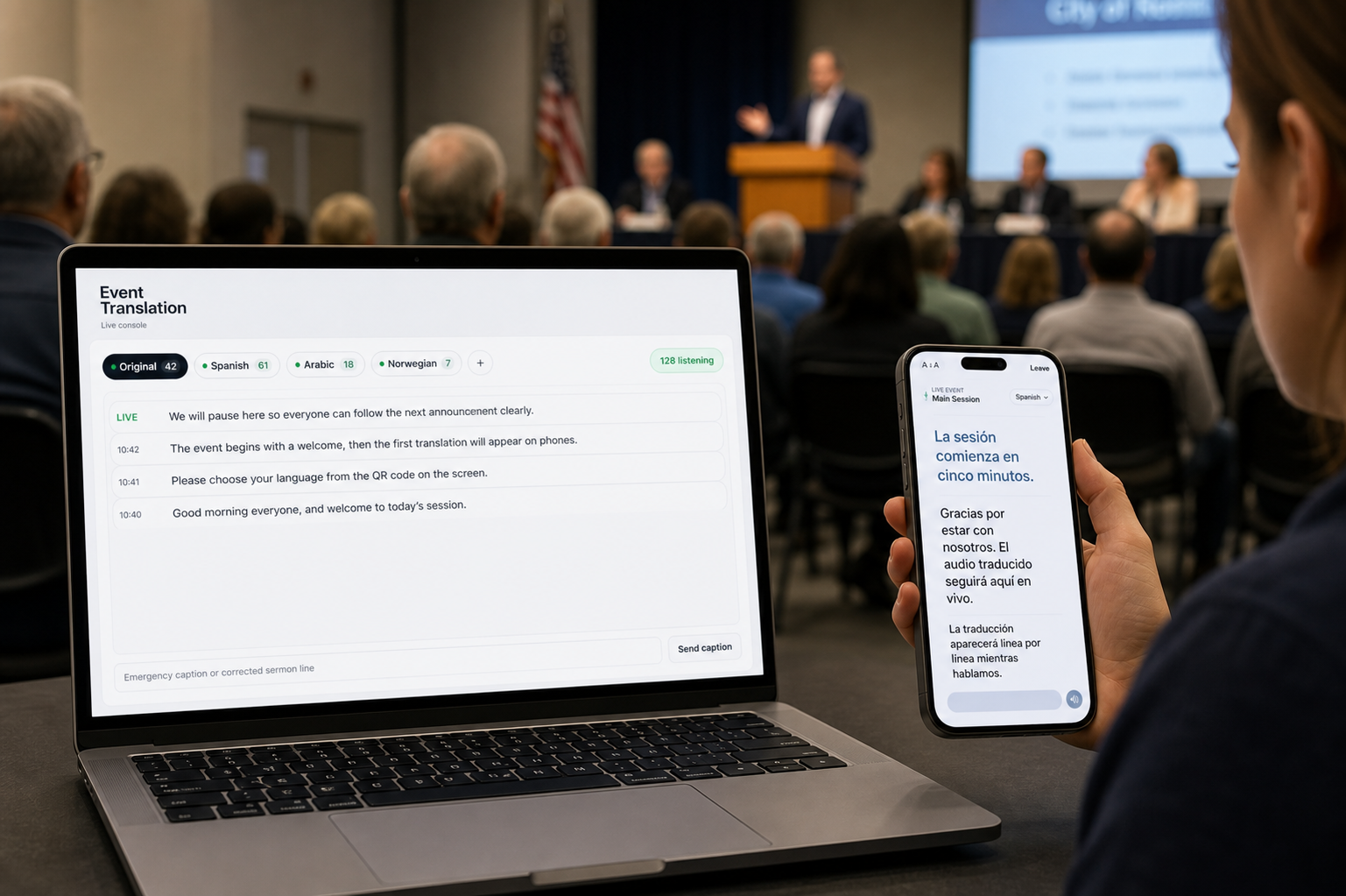
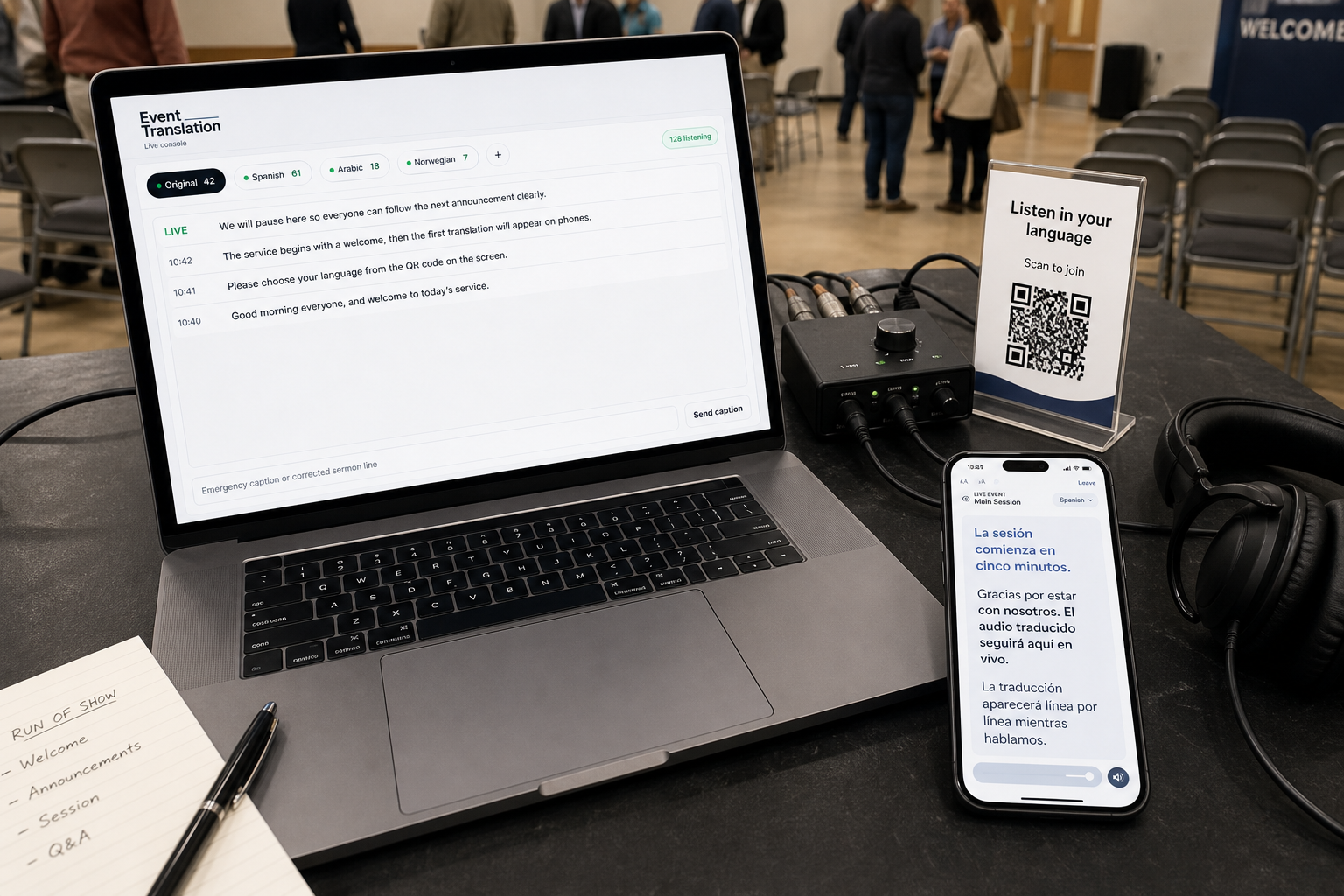
What your audience sees, line by line.
A short, looping preview on the listener's phone. Switch settings to see how it adapts:
In a church service
Your congregation follows the message in their own language.
Representative preview. In a real session, the platform translates your own live audio.
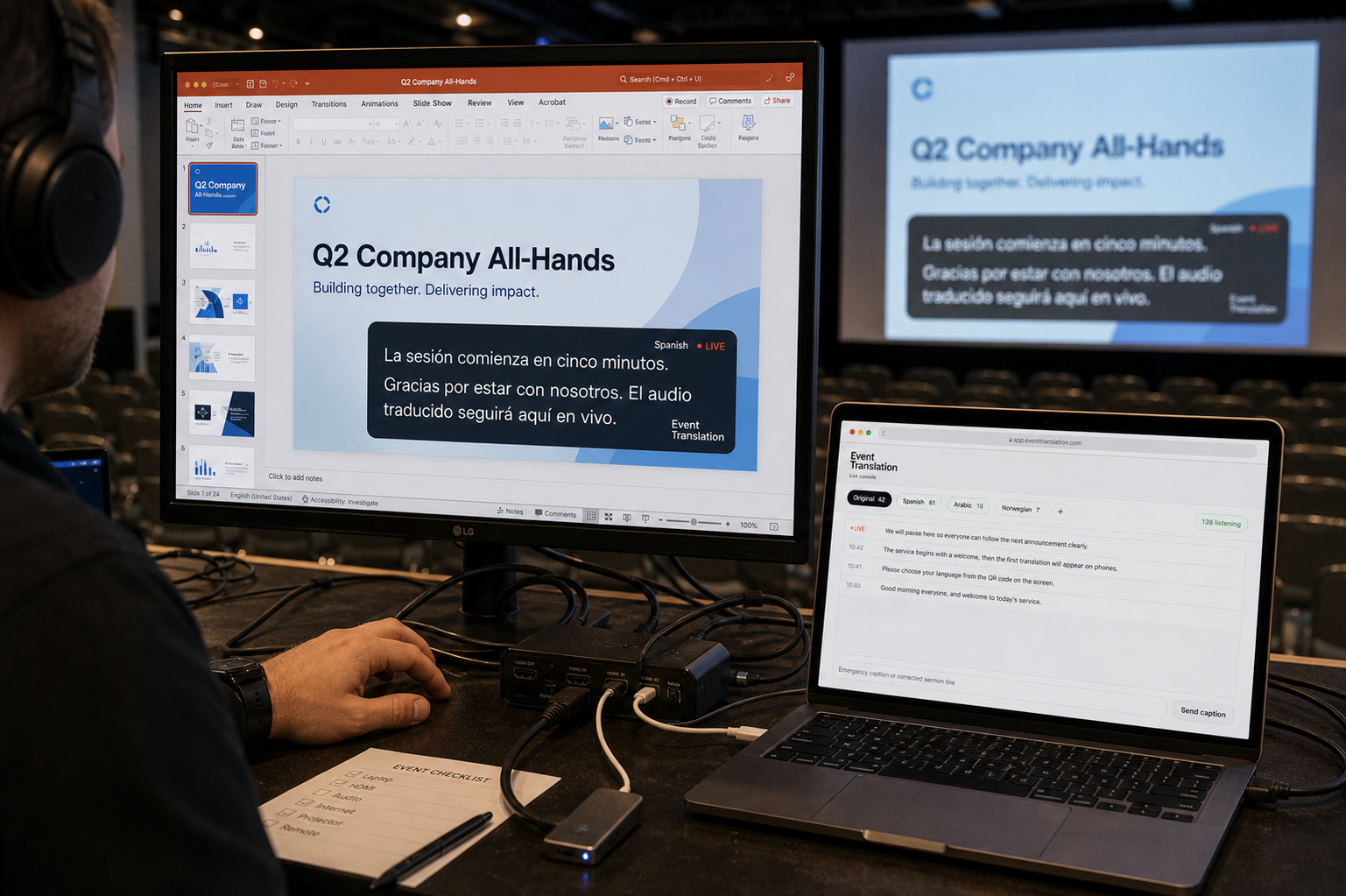
Drop captions onto the screen you already run.
Add a transparent caption feed as a browser source in ProPresenter, OBS, or EasyWorship — translated text over your slides, in whatever language you choose.
Three steps, start to finish.
Connect the audio
A microphone, soundboard feed, or livestream link provides the source for the room.
Choose languages
The operator selects languages and shares a join code on screen. Each language is translated once.
Audience listens
People scan the code, pick a language, and follow by voice or captions on their phones.
Common questions.
Does the audience need to install anything?
No. Attendees open a link or scan a code and listen in their phone's browser. There is nothing to download and no account to create.
What audio sources are supported?
A microphone, a line output from a soundboard, or a livestream/video URL. A single feed is enough to begin.
How many languages can run at once?
Up to eight on the largest plan, fewer on smaller plans, with higher limits available for large events on request.
How is audio handled?
Translation runs on our servers with provider keys held server-side. Audio is processed per session and is not stored by default; recordings are created only when you enable them.