macOS
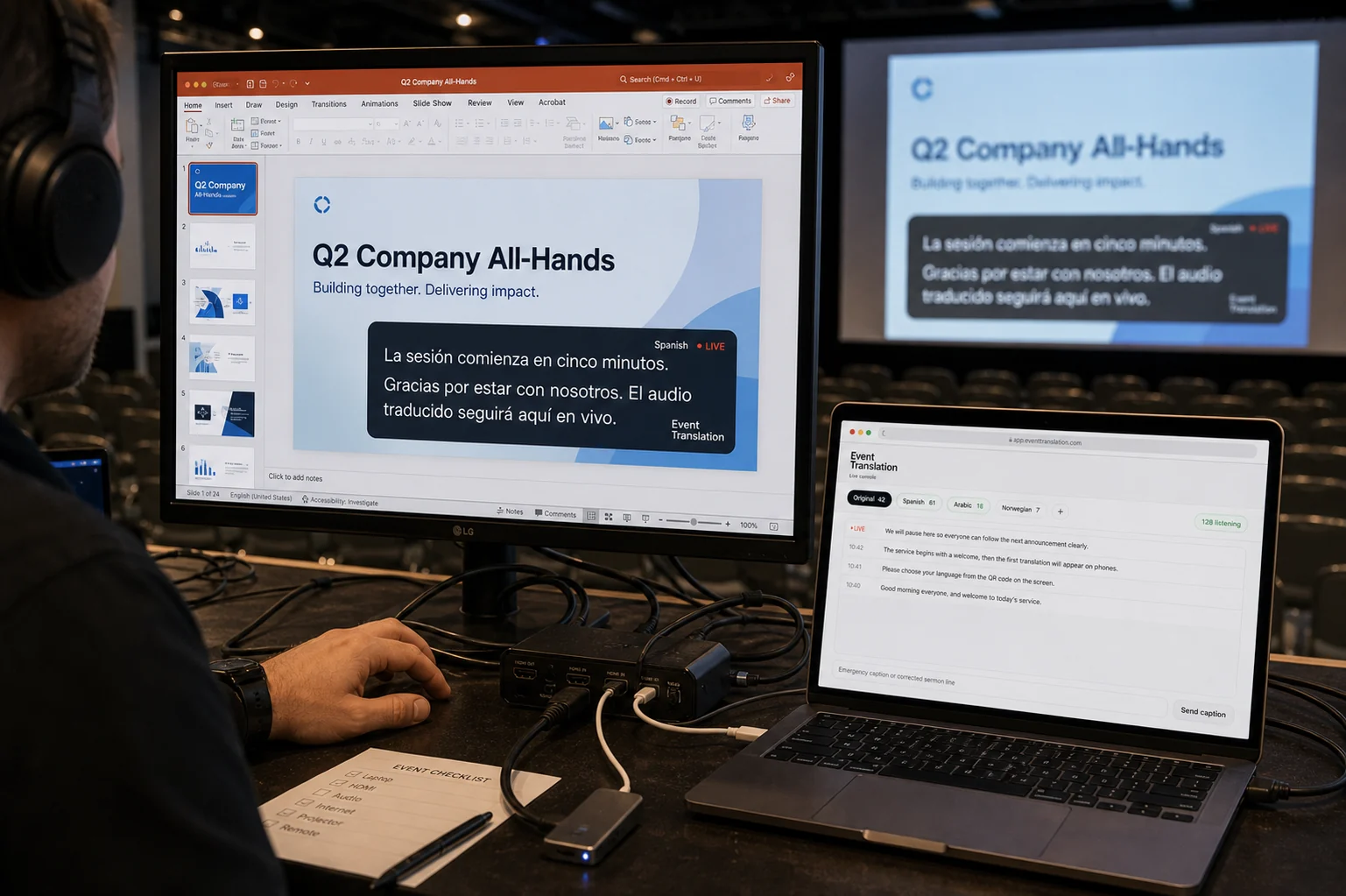
Run the operator console, open a clean projector display and place translated captions over your presentation software.
- Universal app for Apple silicon and Intel Macs
- Signed and notarized for macOS
- Booth, projector and floating overlay windows
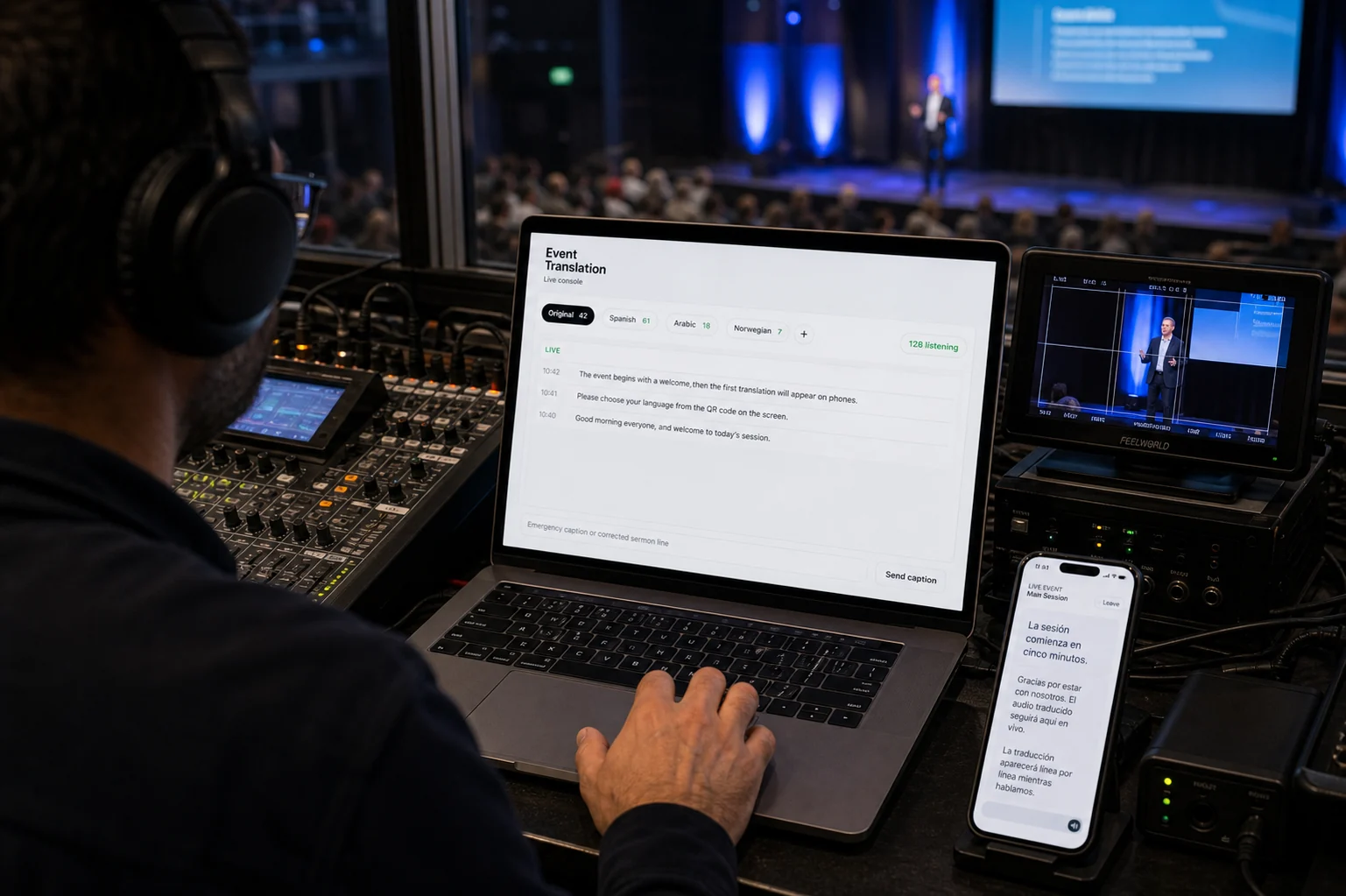
Start and monitor live translation, open a clean projector view, and place captions over the presentation software your room already uses.
The booth app is for the operator. Listeners join on their own phones without installing anything.
Koine is available as a signed direct download for macOS and Windows.
Run the operator console, open a clean projector display and place translated captions over your presentation software.
The same booth controls, projector view and presentation overlay, packaged for Windows 11 computers.
Add Koine as a browser source in ProPresenter, EasyWorship, OBS or vMix — or use the desktop overlay with PowerPoint and Keynote.
See the overlay →Keep control on the booth computer while the audience sees only the output intended for them.
Start the session, watch audio and language status, and manage what listeners receive from one guided view.
Open a separate, audience-safe display for translated captions, Scripture and stage content.
Float translated captions over ProPresenter, PowerPoint or the presentation tool already on the computer.

The booth window stays private while projector and overlay windows carry only the translated content meant for the room.
No. Only the operator uses the booth app. Listeners scan the room code and join on their own phones, with no app or account required.
Yes. You can run core live translation in the web console with a microphone or audio link. Koine Booth adds computer-audio capture, external displays, and floating overlays.
Yes. The universal Mac app is signed with an Apple Developer ID and notarized by Apple for both Apple silicon and Intel Macs.
Yes. The installer and app are digitally signed by VOIS AI AS through Microsoft Artifact Signing, so Windows can verify the publisher before installation.